Anydesk
AnyDesk, a fast remote access to computers

Safe & Secure
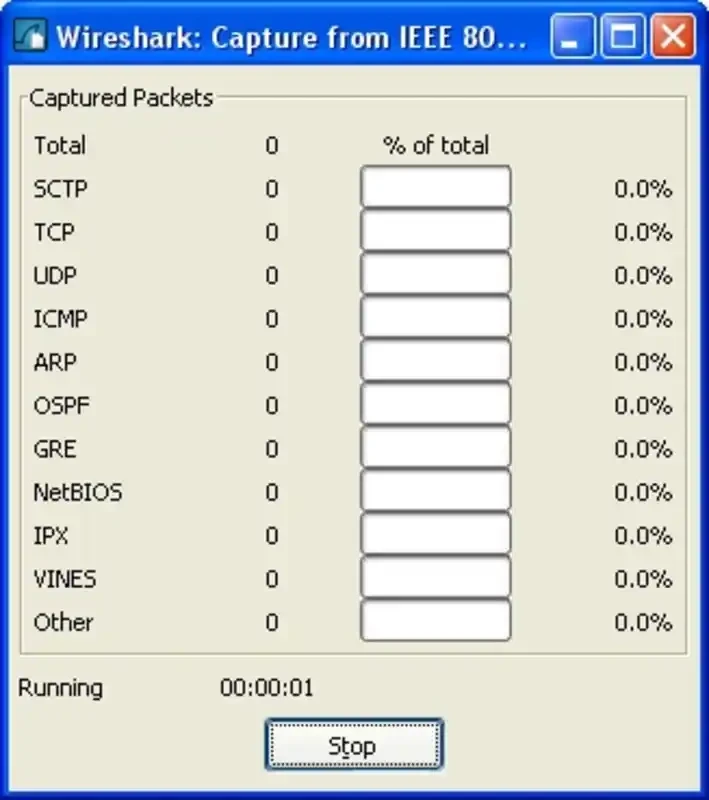
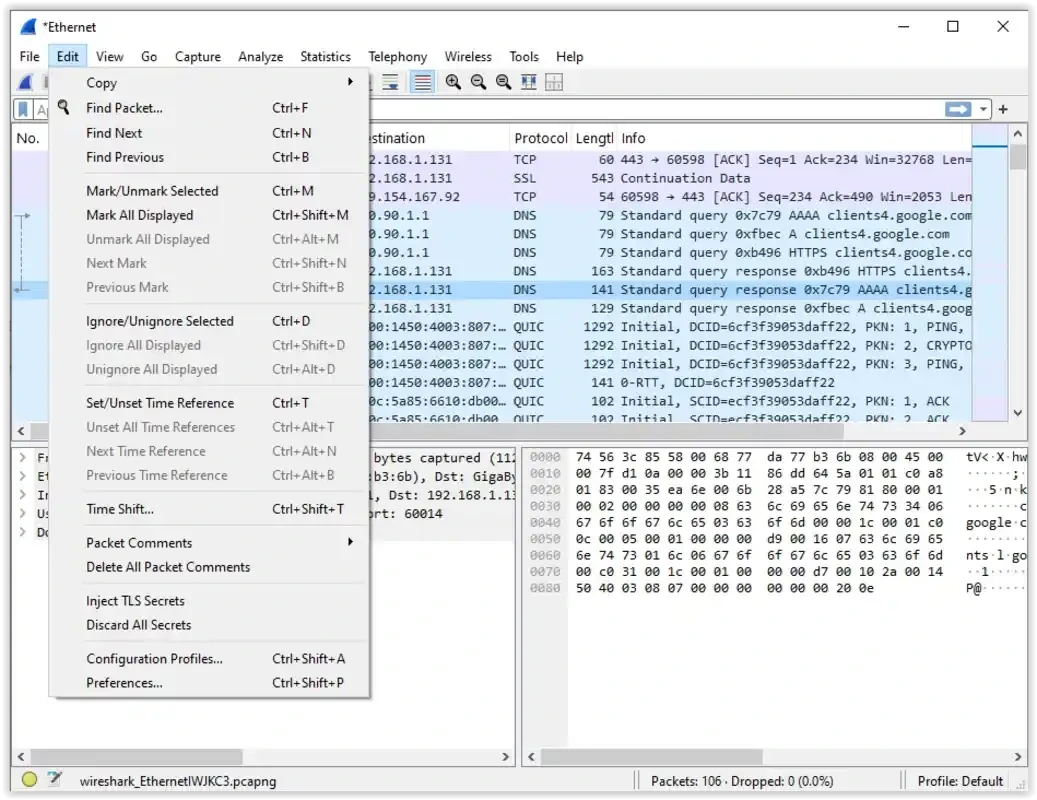
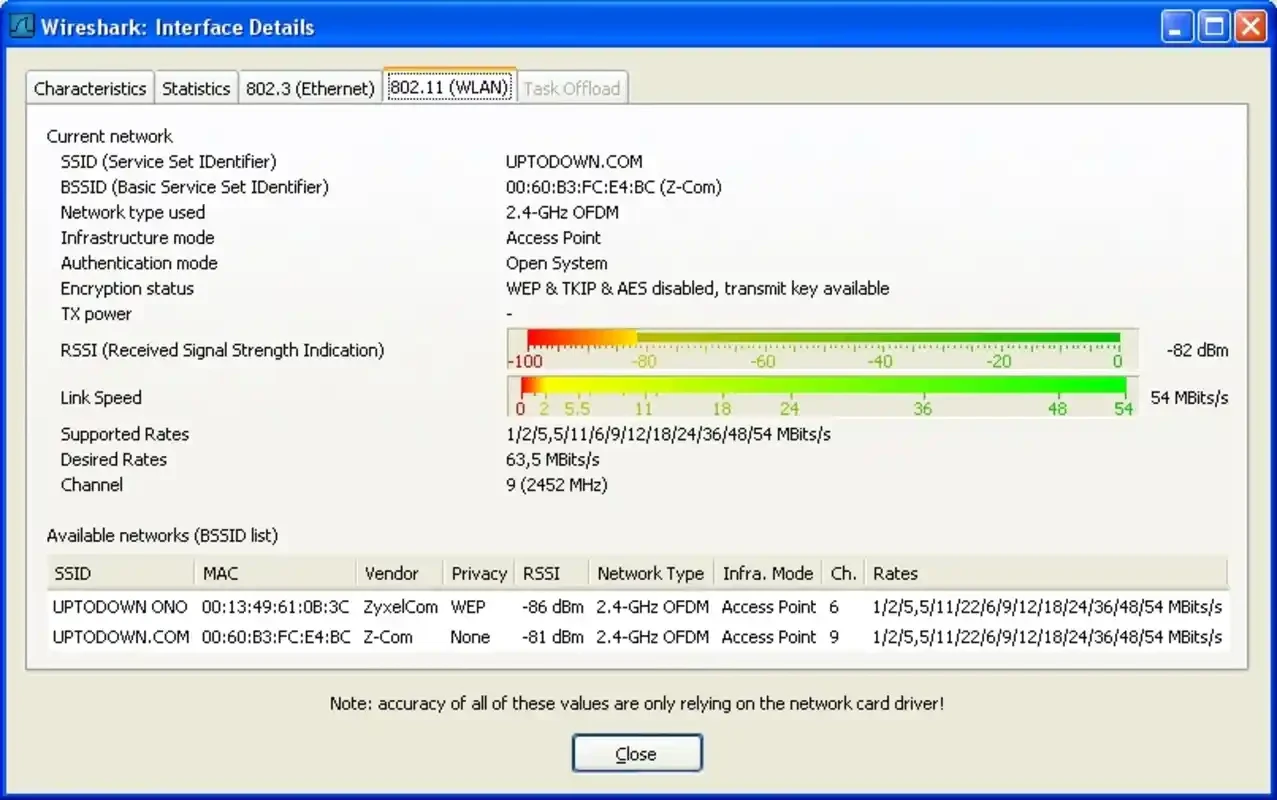

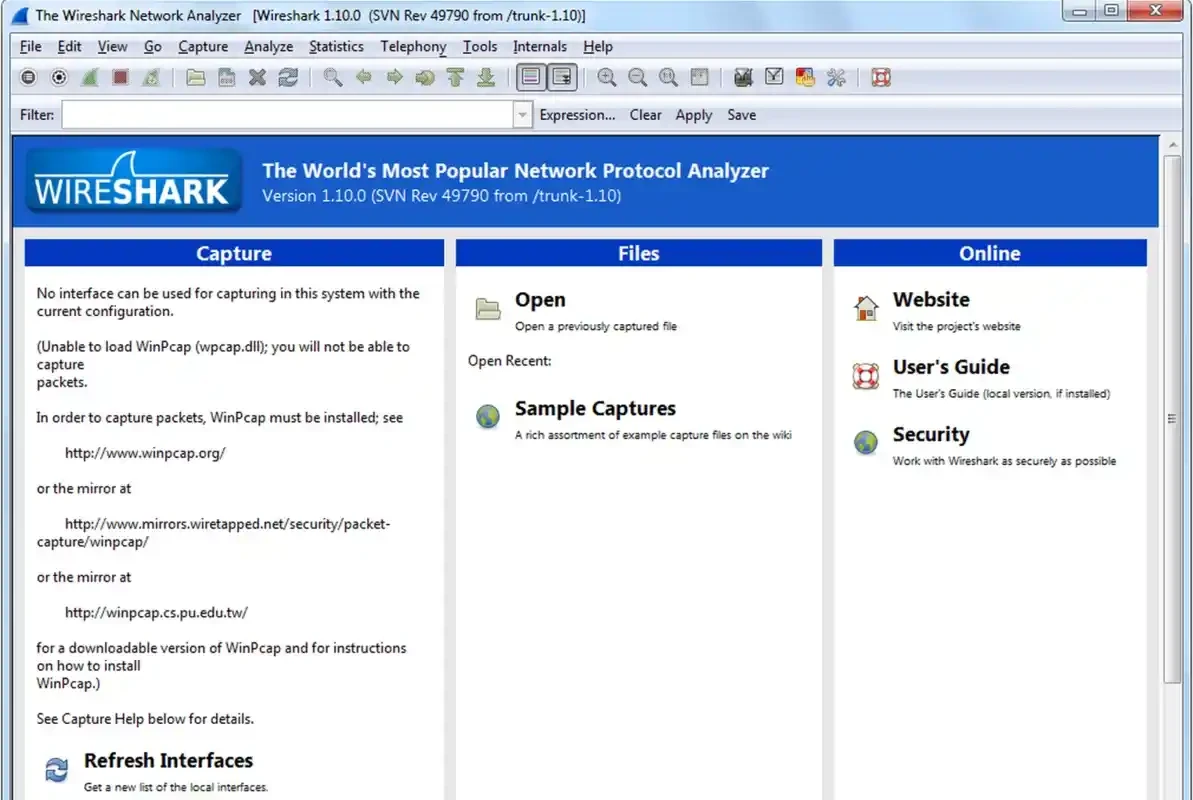
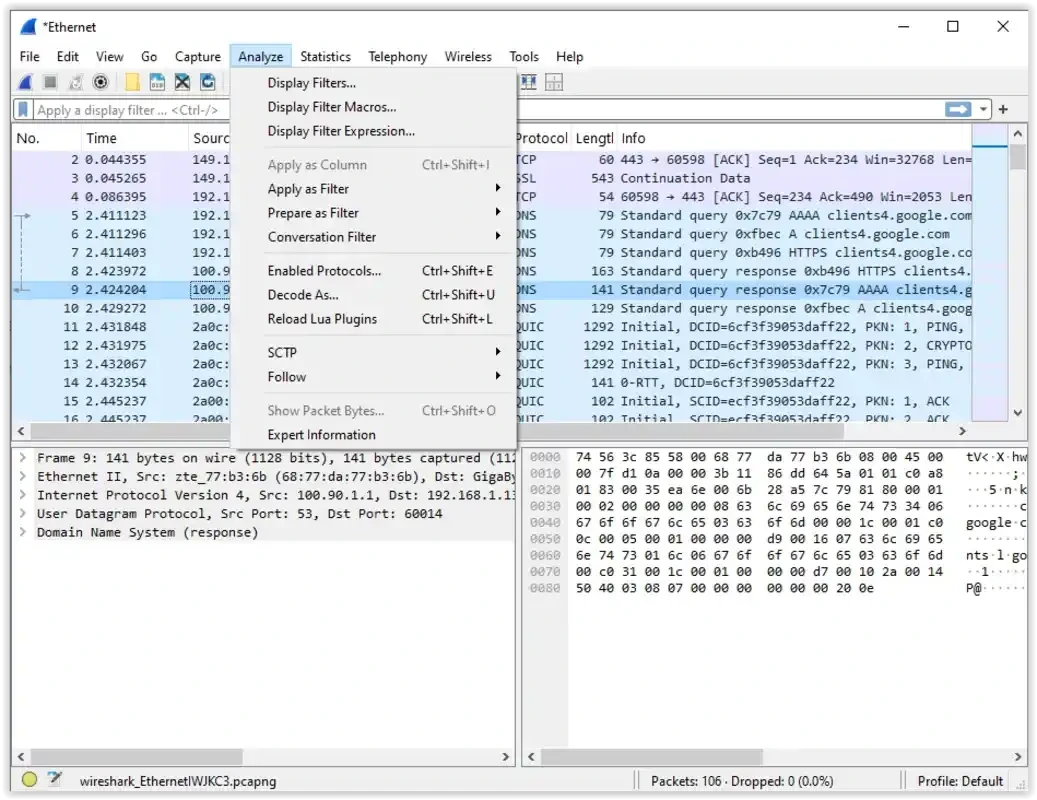
Wireshark is an open-source protocol analyzer used for capturing and decoding network traffic, specifically designed for cybersecurity professionals, system administrations, developers, and even students. It helps to understand the working of digital communications on a technical level.
You will find captured data organized on the interface in different scenarios such as a hierarchical detail pane, byte-level view, and scrolling packet list. The raw data streams are available across multiple layers as structured records, exposing headers, payloads, and timing details.
Wireshark developed by Gerald Combs that falls under the Internet category, is an Open-Source software distributed under the GNU General Public License. Earlier, it was known as Ethereal network protocol analyzer and was rebranded as Wireshark in 2006. So, we can say the name is new, but the software is the same.
It is a network packet capturer to offer the best solution of monitoring outgoing and ingoing connections, enabling users to capture, inspect, and debug packet-level traffic across multiple platforms such as Windows, macOS, and Linux.
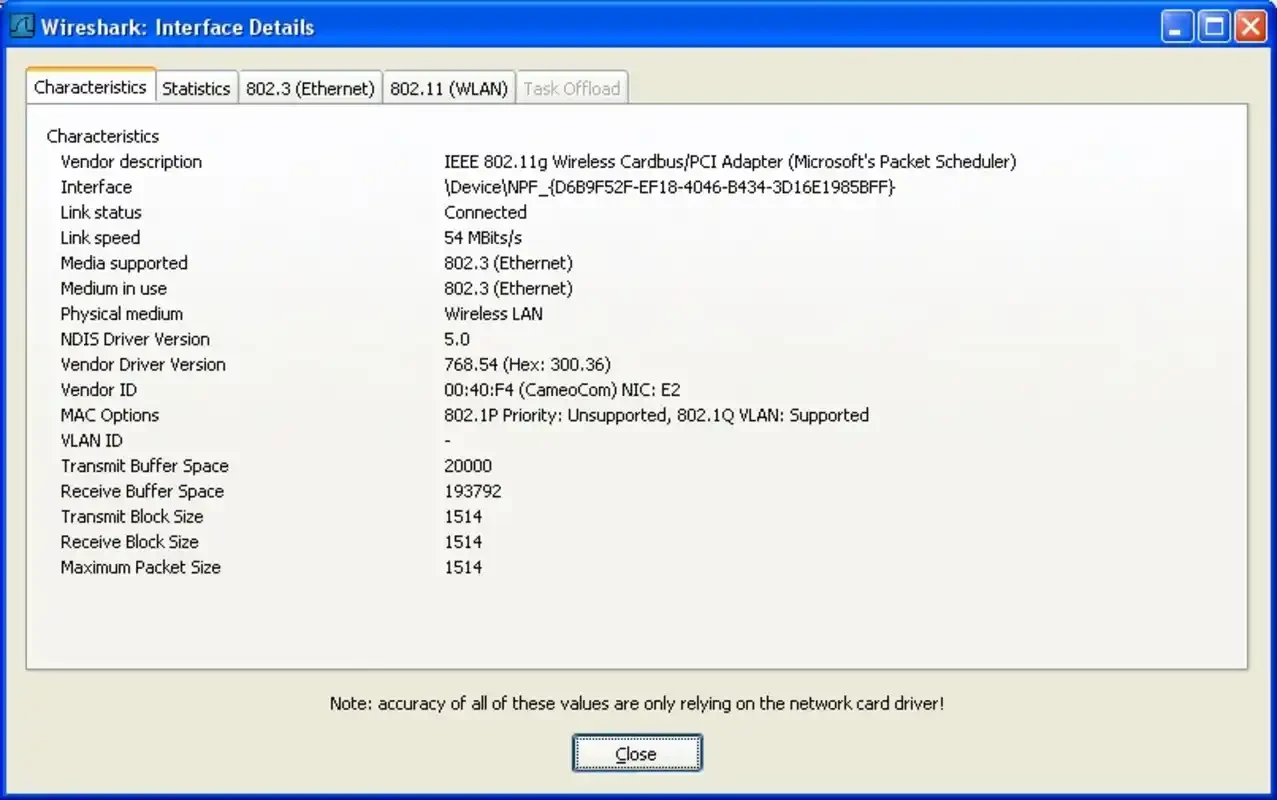
You have to select the adapter after first boot to specify your monitoring priority. In case of difficulty to select the main adapter, you can view a small graph offered by the app to view recent activity for each adapter. After selecting the adapter, you are prompted to all relevant packets for that connection. It always continues to offer activity, even if you aren’t actively using any of your installed apps. You can view information about any packet by simply clicking it, toggling the packet bytes according to your requirements.
The support for libpcap-based backends helps to capture raw packets, offering a presentation of layered protocol tree exclusively. It offers powerful capture and display filters for isolating traffic by IP, port, protocol, field value, or custom expressions. It also accelerates root-cause analysis and forensic investigations using coloring rules, packet comments, bookmarks, and find-by-field.
The app offers real-time examining as well as capturing network traffic, displaying the entering and leaving of every packet accurately to your system, and offers every bit of detail similar to a kind of protocol microscope. It makes possible the analysis for both basic and complex interactions, even with multiple layers of communication. You will find a clear and organized interface with complete filters, ensuring that viewing packets, sorting them, reconstructing complete conversations, and exporting screenshots for later analysis is also possible.
The availability of multiple innovative diagnostic tools helps users manage multiple tasks more easily and efficiently such as;
If you have to manage a large volume of data, you can use the “Filter” option within advanced capability for more precision, mark, follow, and analyze packet associations. It enables you to go through the large volume of data to the very specific packets and protocols. In addition, you can use the “Statistics menu” for passionately collecting data using plenty of graphs and swiftly gathering all of your required information.
The leveraging of a large repository of community-contributed sample captures and also offering comprehensive documentation, release notes, user guides, and training resources enabling you to adopt best methods for keeping deployments secure. You will also be capable of extending the app’s capability within custom dissectors written in Lua or C, and building extcap plugins for advanced capture devices.
The user interface is available as a comprehensive graphical user interface (GUI), offering multiple panes such as packet display, packet details, packet list, and so on. It ensures the identification of different protocols and types of traffic within highlighted color-coded packets. In addition, Windows users are allowed to install WinPcap or Npcap for packet capture.
You are capable of investigating encrypted sessions and misconfigurations with support of SSL/TLS decryption. The powerful tool offers packet-level access to detect suspicious traffic patterns, data exfiltration, malware network behavior, and protocol anomalies. The app with regular updates enables users to analyze modern networks, adding new technologies.
Pros
Cons

AnyDesk, a fast remote access to computers

Accelerated Downloading with Internet Download Manager (IDM)

SHAREit for PC is the best option for a P2P file-sharing process without using Wi-Fi.

ShareMe for PC, a freeware and streamlined file-sharing app

uTorrent, a powerful, lightweight, and fastest P2P file-sharing software

Xender for PC, an effective and convenient file transfer utility